
Univerza na Primorskem Fakulteta za matematiko, naravoslovje in informacijske tehnologije
- Študij
- Mednarodno sodelovanje
- Raziskovanje
- O fakulteti
Information services
Username and Password
Upon enrollment at the faculty, all students receive a username, which is the same as their student ID number, and a password that is valid for all the services listed below.
In addition to the standard username used for all services provided by the faculty or university, students also receive a username with the added domain @student.upr.si (for example, if your username is 1234567, your Eduroam username would be 1234567@student.upr.si). This username allows access to services within the AAI federation, the Eduroam wireless network, and Office 365.
Password changes
Passwords can be changed through the Student Information System (ŠIS) under the section MY DATA – Passwords.
The password change will become active in other services within one hour.
Forgotten password
If you forget your password, it can be reset by visiting the faculty’s student office. You must bring your student ID card or another valid identification document to verify your identity.
ŠIS
ŠIS (Student Information System) is used for exam registration, access to exam results, and other Student Services.
In case of difficulties using or accessing the system, please contact the faculty’s Student Services.
The Student Services has also prepared several screenshots to help students use the ŠIS system more easily.
Starting with the 2020/21 academic year, all students of the University of Primorska are assigned a university student email address through the ŠIS system. Students are required to use this email address for all communication with the faculty and the university.
Each student receives an email address in the format vpisna@student.upr.si (studentID = student registration number), which is used for communication with the Student Services, teaching assistants, professors, and other university staff.
Students are responsible for checking their university email account regularly, as all study-related and extracurricular information will be sent to this address. Students are also required to sign every email with their full name and surname.
Student email services are provided through the free Office 365 package, which includes the Outlook application for email management. Access to the email account is also available through the UP FAMNIT website.
E-learning Platform
The Moodle e-learning platform is available at https://e.famnit.upr.si.
Within the platform, each course has its own dedicated space managed by the course instructors. In addition to uploading files and study materials, the platform also enables communication with instructors through forums, submission of homework assignments, and other course-related activities.
By default, students can enroll in any course. If an instructor has configured the course differently (for example, requiring an enrollment password), students should contact the instructor directly.
Office 365
Office 365 includes Outlook (email), Word, Excel, PowerPoint, OneNote, Microsoft Teams, and several other Microsoft applications.
Access to Office 365 is available through www.office.com. The username format is described in the second paragraph of the Username and Password section.
ZOOM
During the 2020/2021 academic year, part of the educational process took place online, primarily through the Zoom application, which can be downloaded from https://zoom.us.
Important: registration is not required to use Zoom.
Remote Access to the Server / Personal Web Pages
Students can remotely access their files stored on faculty servers (disk space available in computer classrooms) from their home computers via an SSH (SCP or SFTP) connection to student.famnit.upr.si.
Files created in the computer classrooms can be transferred to a personal computer or uploaded from a personal computer to the server, making them accessible again in the computer classrooms. Free software for this purpose includes:
- WinSCP or FileZilla for Windows,
- Cyberduck for macOS,
- the built-in file manager for Linux systems.
Any files placed in the public_html directory within a student’s home directory (with access granted to the www-data user) will be publicly accessible at: http://student.famnit.upr.si/~[username].
Remote Access to Articles and Other Resources
Instructions for remote access are available at remote.upr.si. This service enables access to articles and other resources that are normally available only within the University of Primorska network.
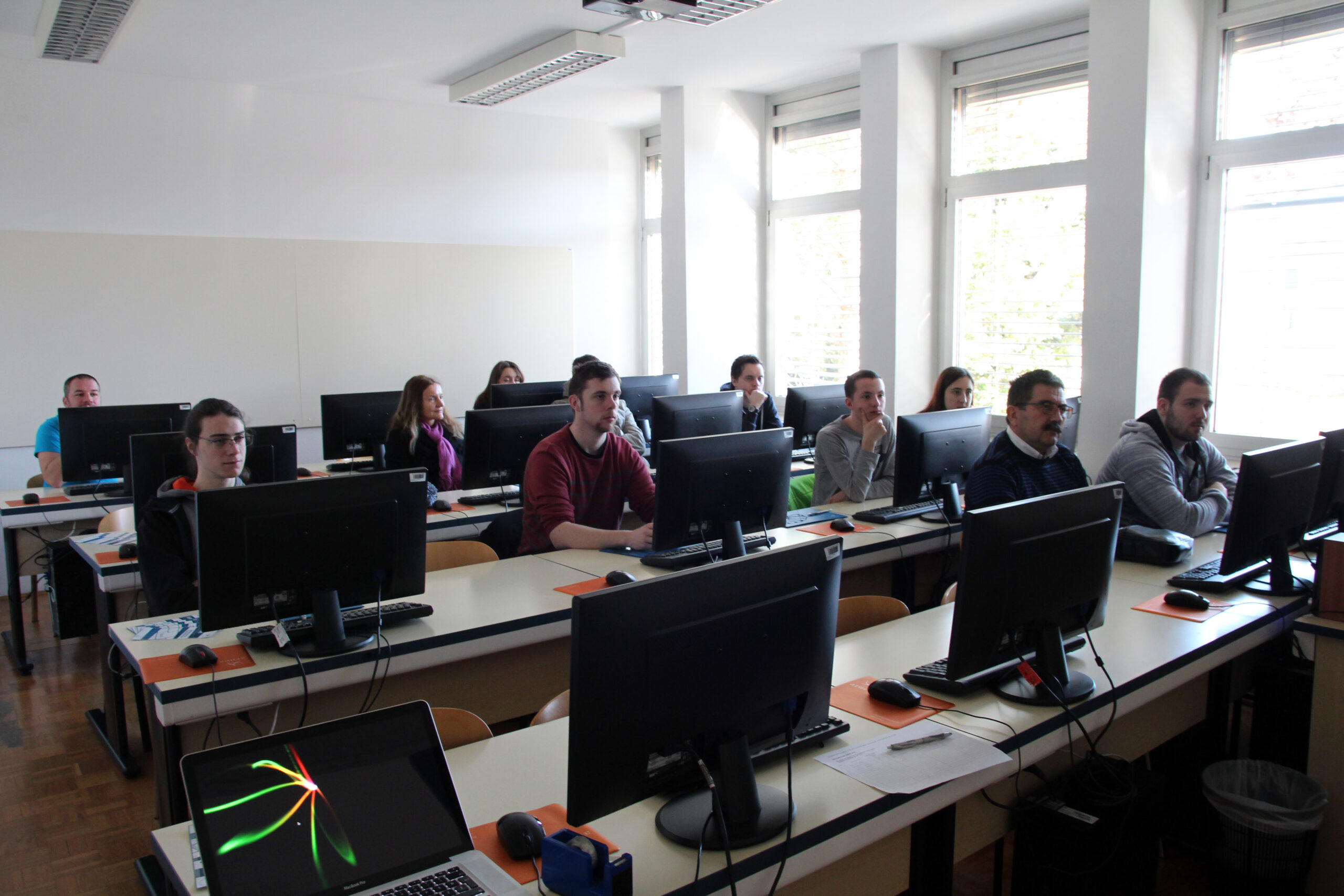
Computer Classrooms
Students can access both Linux and Windows environments using the same password. In both operating systems, students have access to their personal environment, including files and application settings.
To log into the Windows environment, students use their student registration number as the username. For Linux access, the letter “s” must be added before the registration number (for example: s12345678). The password remains the same for all services and both operating systems.
If a user account or computer is not functioning properly (login issues or later problems accessing files or applications), students should contact the faculty IKT support service at podpora@famnit.upr.si.
Wireless Network – Eduroam
Eduroam (education roaming) is an international federation of wireless networks intended for users in education and research. Students, teachers, researchers, and other users can access any Eduroam wireless network in Slovenia or abroad. To use it, you only need to open your laptop, regardless of where you are — at your home institution or, for example, at the University of Edinburgh.
The Eduroam username format is described in the second paragraph of the Username and Password section.
To configure the connection on most devices, special software available at cat.eduroam.org must be installed. For Android systems, automatic configuration may not be available, so the network must be configured manually according to the provided instructions.
Arnes AAI
The University of Primorska is a member of the Arnes AAI federation, which gives students access to a wide range of services provided by other organizations. Examples include:
- VOX for online conferences,
- FileSender for easy sharing of large files.
The username format is described in the second paragraph of the Username and Password section.
A list of some services available through Arnes AAI can be found at https://mds.aai.arnes.si/.
Project system
A project management system (primarily intended for programming projects) is available at: https://redmine.studenti.famnit.upr.si/